 Besorah
Reading
Reading, your way
Choose the texts, choose the layout, make it yours. It works offline once opened.
Four ways to lay out a page
Choose which texts to show with one tap — each is a column — then choose how they’re arranged.
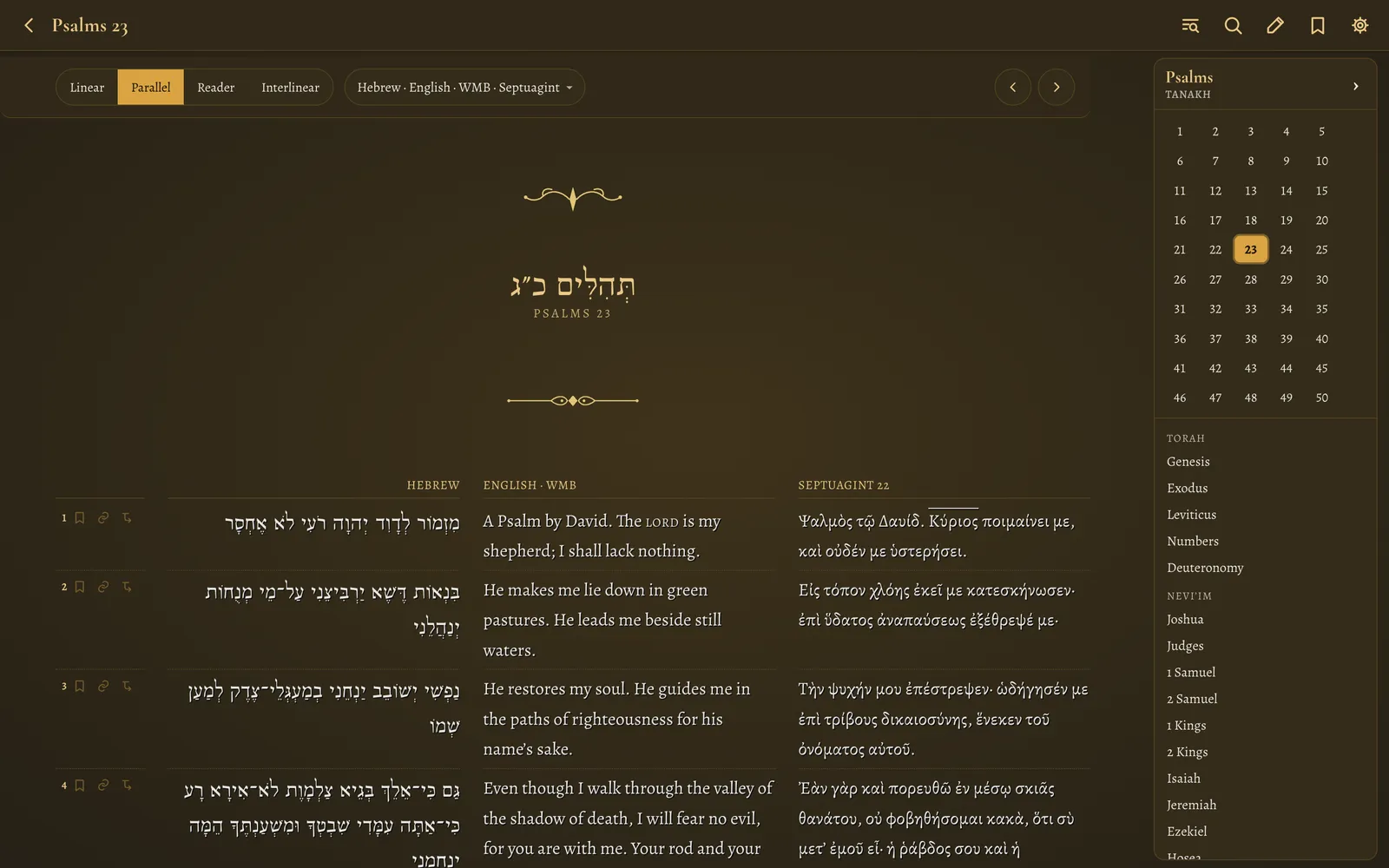
Parallel
Hebrew, Septuagint and English side by side, verse for verse. Add or remove columns from the Texts menu: any combination of the originals and their English translations.
- Septuagint verses align to the Hebrew by verse, even where the two are numbered differently
- Verse rows stay aligned across columns
- Hebrew and Greek set right-to-left / left-to-right correctly, with proper typefaces
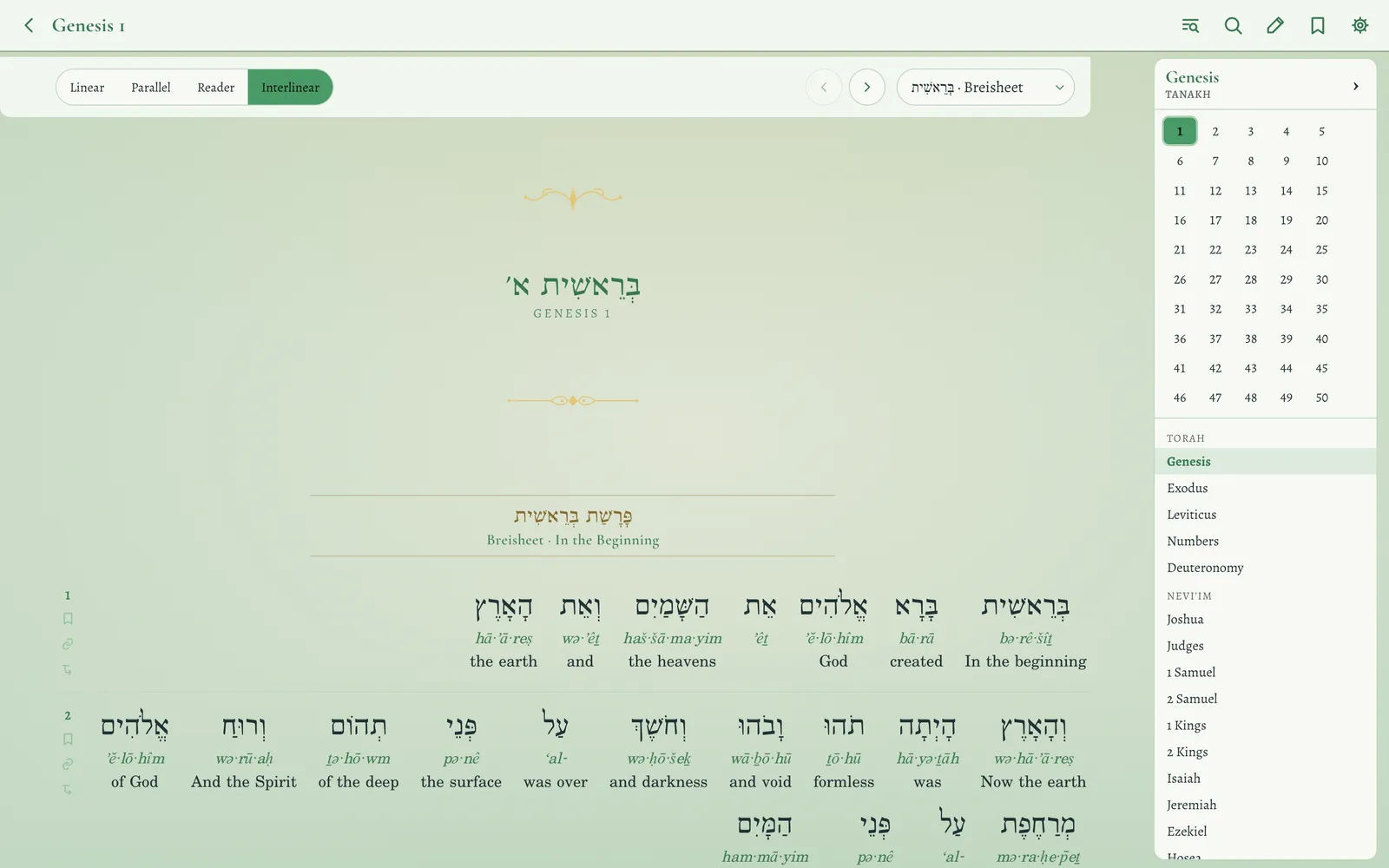
Interlinear
Every word becomes a stack: the original, its transliteration, and the English beneath it. Tap any word for its full dictionary card.
- Hebrew Old Testament and Greek New Testament, word-aligned
- Septuagint with transliteration for every word and an English gloss for 94% of them, worked out from the Septuagint’s own other occurrences
- Hebrew New Testament — approximate, and labelled as such
- Separate size controls for the original, transliteration and English
Reader
One text flowing as prose, with real paragraph breaks from the source editions, drop-cap openings and inline verse numbers. For when you want to simply read.
Linear
Texts stacked per verse — each verse shows its Hebrew, then its English, then the next verse. Ideal on a phone.
Switch source
Hebrew ↔ Septuagint in the Tanakh; Greek ↔ Hebrew in the New Testament. The English travels with whichever original you pick.
Transliteration
Add a transliteration column beside any Hebrew or Greek text — the Tanakh, the Septuagint, the Greek or Hebrew New Testament, the Targumim — in Parallel, Linear or Reader. Read-only, and aligned verse by verse.
Shareable links
The address bar always carries exactly what you’re looking at — the view, the columns and a verse — so a copied link reopens the same page.
Bookmarks, highlights and notes
Mark up the text the way you would a printed Bible — and take it with you.
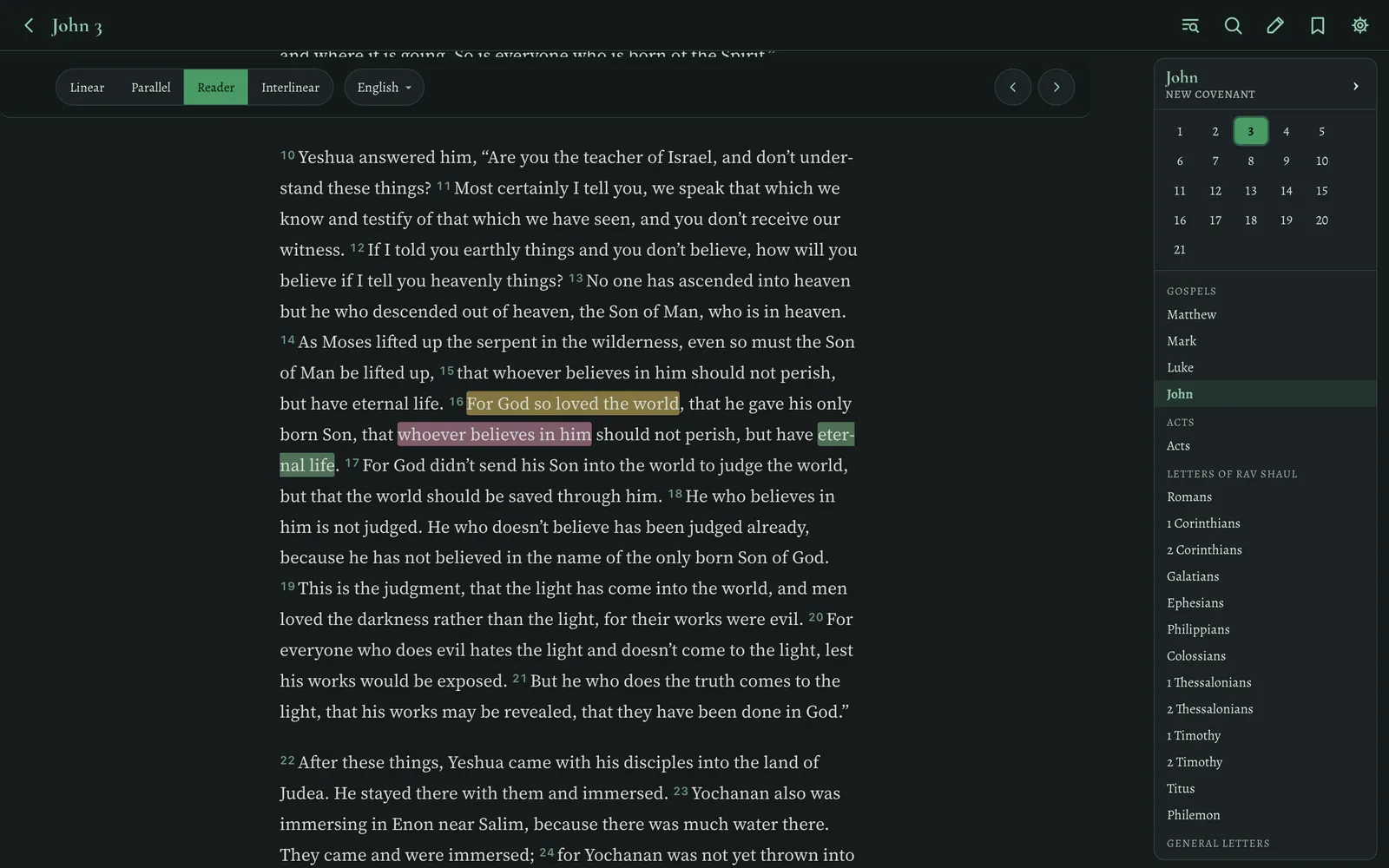
Select to highlight
- Highlights in six colours — select any words, in any language, and pick a colour
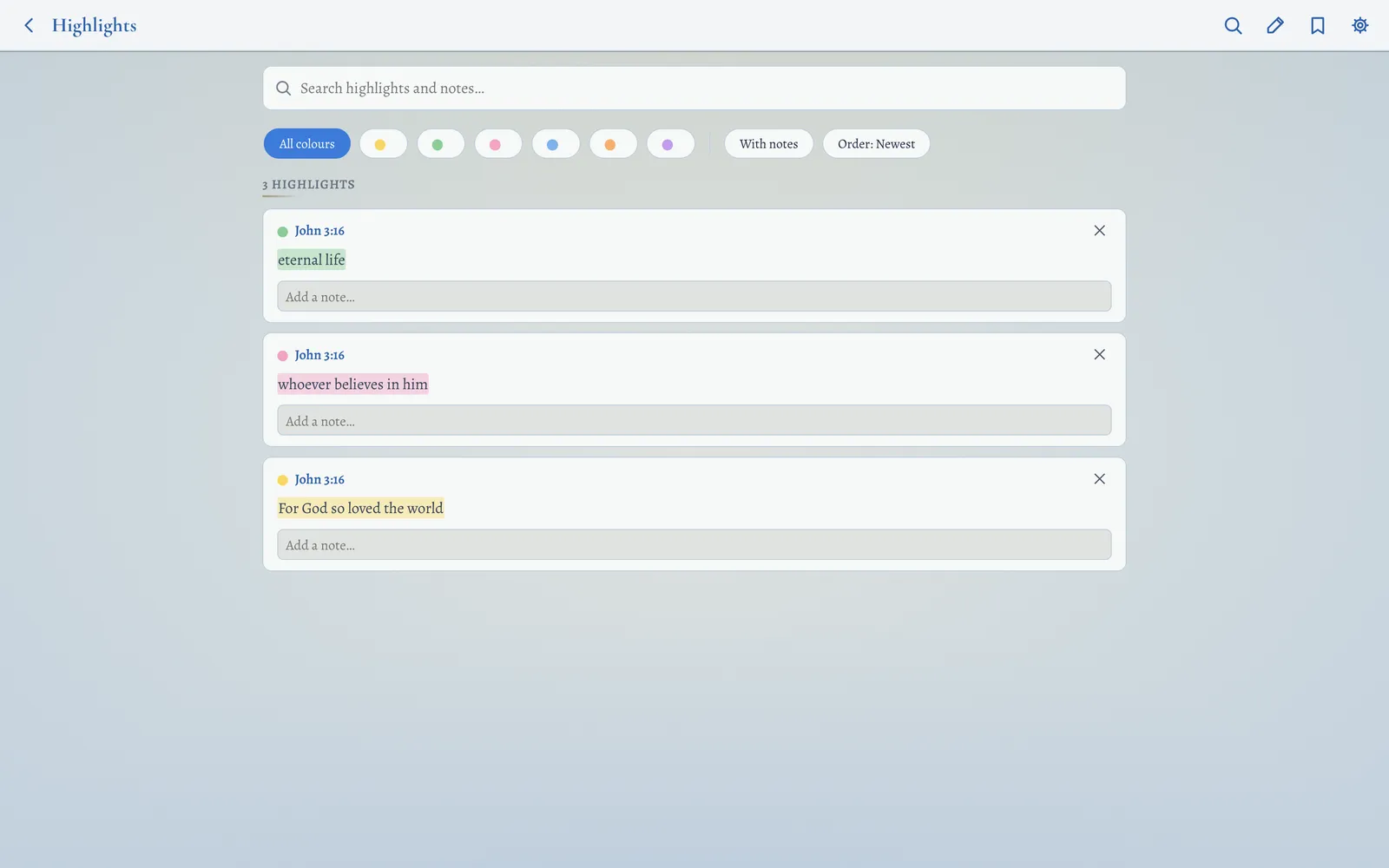
- Bookmarks — star any verse; they’re listed with the verse text
- Notes on any verse, highlight, bookmark or even a search result
- Saved views for bookmarks and highlights, filterable by colour, with-notes and sortable
- Reading progress — chapters mark themselves read as you scroll past them; every book shows a progress bar, gold when finished
- Export & import everything as a readable JSON backup (merges without overwriting), or print a saved-items report as a PDF
- Sync between your Mac and iPhone through an iCloud Drive folder — your notes stay yours, no account needed
Four reading environments, five colours, two moods
Change the page, the type and the ornaments — then set the size of every language exactly how your eyes like it.
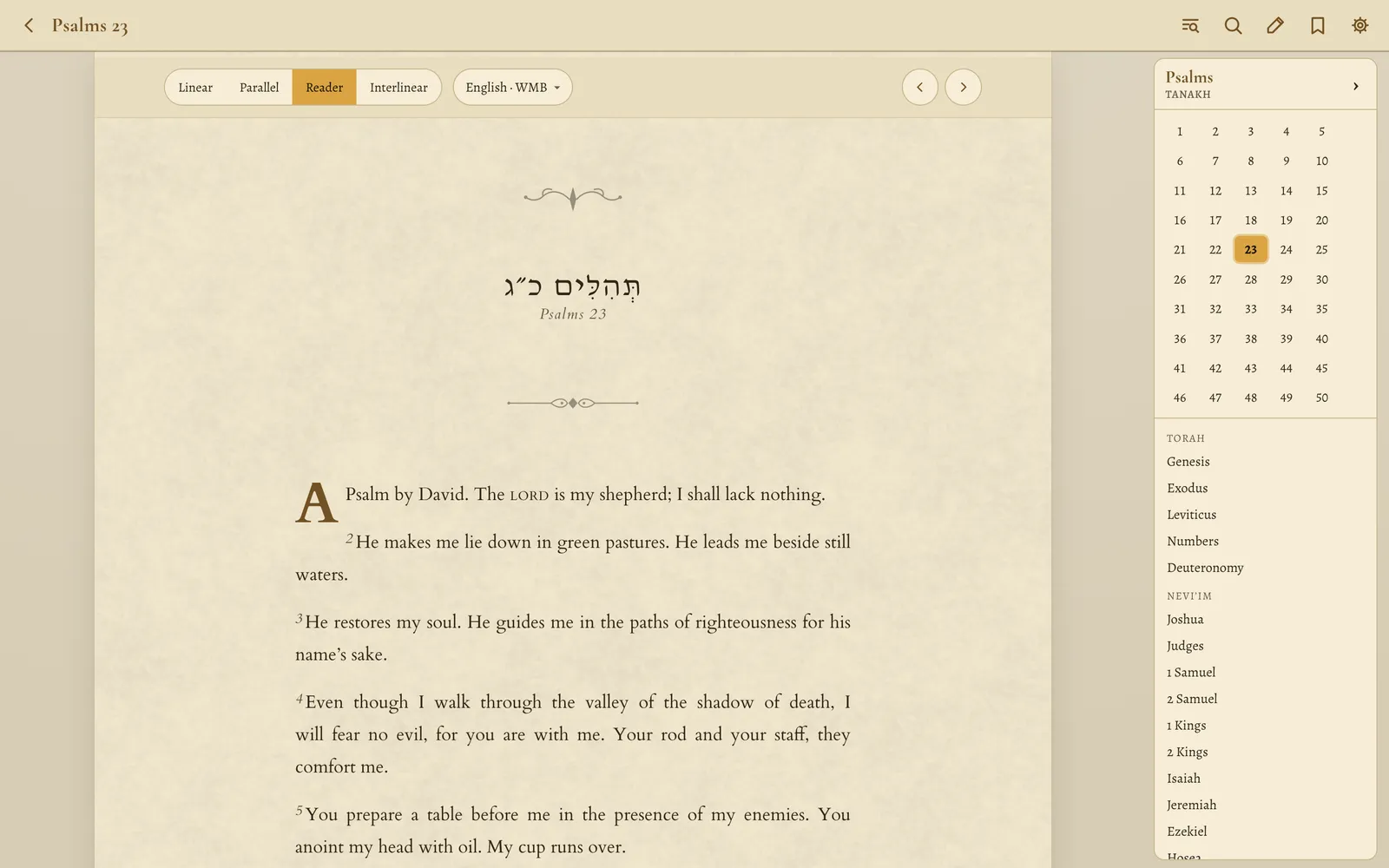
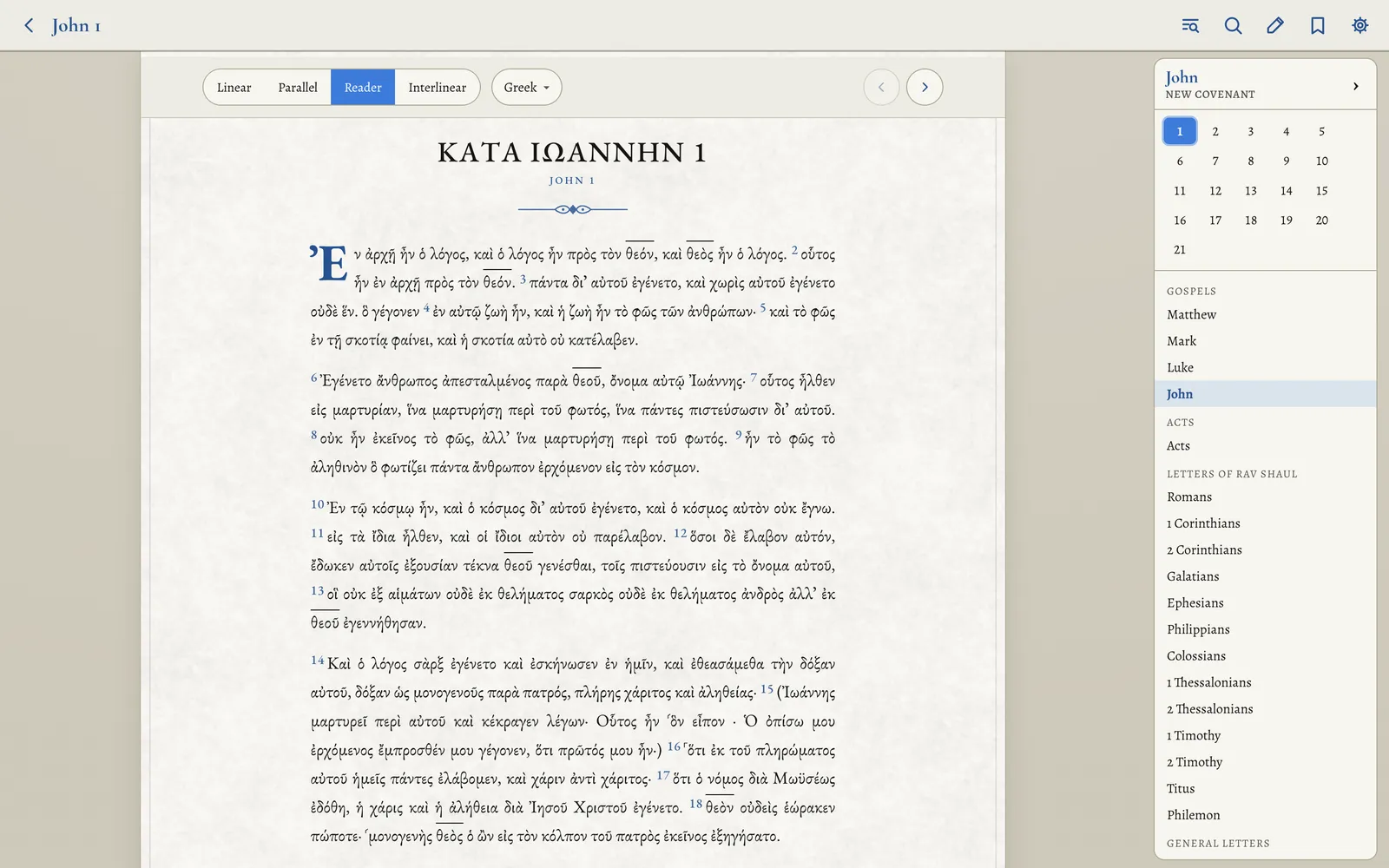
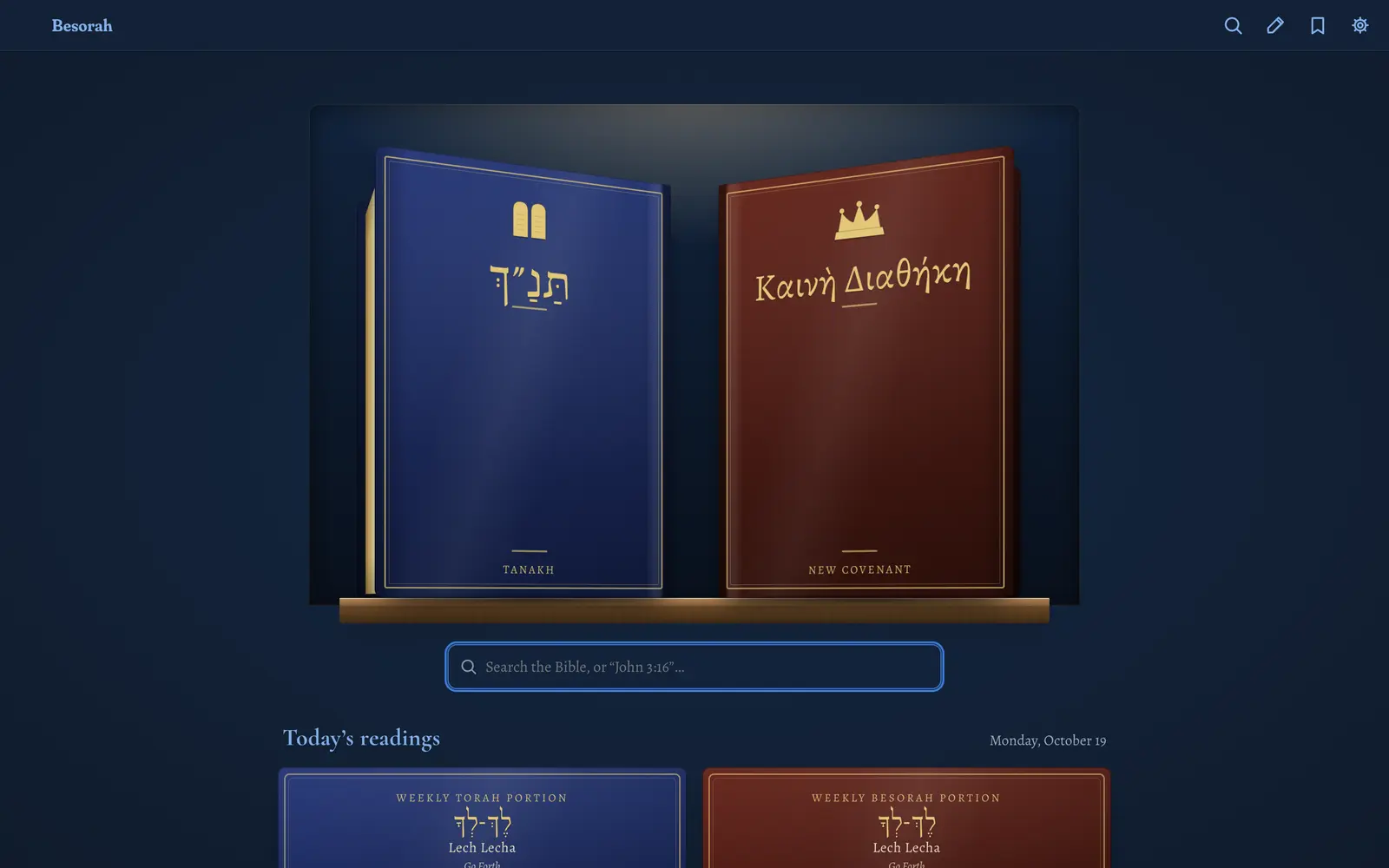
Dark & Light, tinted
Pick an accent — blue, gold, emerald, royal red or purple — and the whole app re-tints: backgrounds, ink, even the favicon.
Text sizing, per language
Independent size, weight, letter-spacing and line-height for Hebrew, Greek and English — or link the sizes so they move together. Type an exact number or drag a slider with a live preview.
Made for reading
Alegreya for Greek and English, Shofar for Hebrew, Cormorant for headings. Oldstyle figures in text, justified paragraphs with hyphenation, and gematria chapter numbers in Hebrew.
Settings that stay out of the way
Haftarah tradition, nomina sacra style, keep-screen-on while reading, a command palette (⌘K) for every action, keyboard shortcuts for everything (press ?), and chrome that tucks away as you scroll.
The whole Bible, with no connection
Open Besorah once and it works anywhere.
Settings → Offline saves every text and study tool on your device — about 20 MB — so reading, search, word study and the connections map all work with no connection. The installed web app and the iPhone, iPad and Mac apps do this automatically.
Try it
Open a chapter and switch layouts with one tap.

Nothing to download, install or sign up for.